Once you've created your EPUB using software such as Calibre, Sigil, or any other writing tool, and you've finished formatting it, there's one final step I recommend before uploading it to any self-publishing platform: validation...
What Does EPUB Validation Mean?
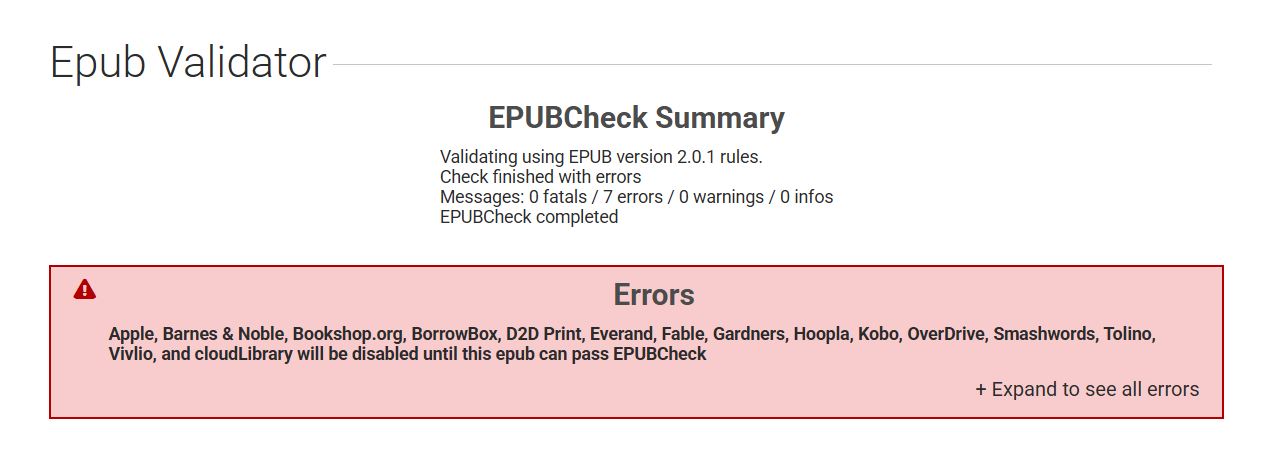
Validating an EPUB means running a general check on the file to detect any structural code errors and verify its compatibility with the most common ebook readers. One of the best-known and most widely used services for this purpose is Draft2Digital. The process is very straightforward: upload your EPUB file and wait for the analysis to finish. In my case, which I'll use as an example, the validator reported seven errors...
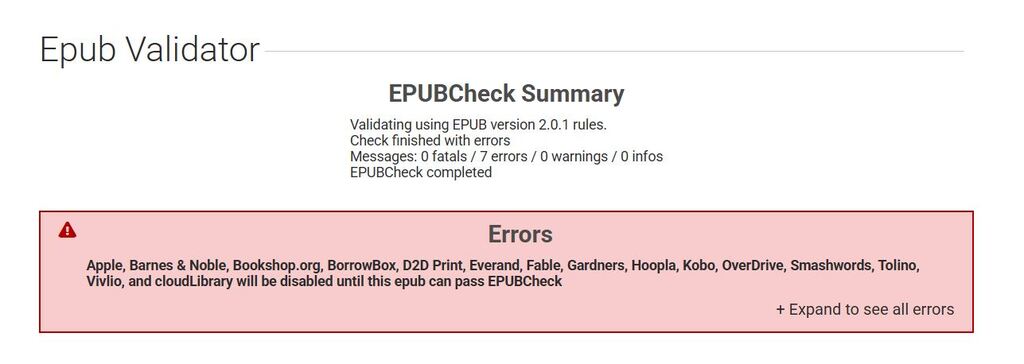
If you click "Expand to see all errors" (located in the bottom-right corner of the results page), you'll be able to see a detailed list of every issue that was found “Expand to see all errors” (located in the bottom-right corner of the results page), you'll be able to see a detailed list of every issue that was found.
The Most Common Errors
One of the errors you're most likely to encounter is:
Error while parsing file: attribute "role" not allowed here
In many cases, this warning refers to attributes that the Draft2Digital validator considers incompatible with the EPUB2 specification. Footnotes and cross-references may also be flagged as this type of error. In this case, I prefer to ignore them. They aren't really errors.
It's worth noting, however, that not all validation errors are equally important.Some validators may not report these issues at all, while others apply stricter validation rules. For that reason, it's always a good idea to review the results carefully instead of assuming that every warning represents a critical problem.
How to Fix Validation Errors
To correct these issues, it helps to have at least a basic understanding of HTML so you can edit the EPUB directly using software such as Calibre. Alternatively, there are applications and online services that can automatically fix many common errors, making the process much easier for authors who aren't familiar with HTML.
Test Your EPUB in an Online Reader
Besides using validators, it's also a good idea to open your EPUB in an online ebook reader, such as EPUBReader.
This website is quite strict when it comes to compatibility issues. If your EPUB fails to open correctly, there's a good chance that a structural problem needs to be identified and fixed.
Sometimes the issue isn't related to the EPUB structure itself but to embedded fonts. Even if the fonts were correctly included in your DOCX file or writing software, some ebook readers may not recognize or display them properly. That's another reason why testing your file before publication is always worthwhile
A quick validation only takes a few minutes, but it can save you from compatibility issues across different devices and help ensure that your ebook works properly on the major self-publishing platforms.